Hi Teachers! 🤓
We made these videos to help you become familiar with this learning platform, namely, how to create classrooms and manage your students. Please reach out to us if you have questions!

In this video, you will learn how to:
- Create your teacher’s account, and
- Redeem the student licenses you have received.

In this video, you will learn:
- How to add a course to your classroom(s), and
- Ways to register students.

In this video, you will learn how to:
- Edit a classroom information,
- Register students in more detail, and
- Check on what your students are doing in the virtual worlds.

In this video, you will learn:
- About the course scope, sequence and lesson types,
- How long each lesson or project may take, and
- How to lock or hide lessons and projects from students.

In this video, you will learn:
- About the learning formats of the lessons,
- How to create a virtual car, and
- How to program a virtual car in one of the virtual worlds.

In this video, you will learn how to:
- Locate the teacher’s video guides inside the platform,
- Check on the amount of student licenses you have available,
- Deactivate a Classroom, and
- Create multiple classrooms.

In this video, you will learn how to:
- Add a co-instructor to your classroom(s),
- Manually add students to a course,
- Eliminate duplicates to recover licenses from drop off students, and
- Transfer students to another classroom.

Note: If your course only uses the Virtual AutoAuto cars, you can skip this video.
In this video, you will:
- Learn how to turn on the physical AutoAuto car, connect to WiFi and pair it with an account,
- Go over a checklist for getting everything ready for day one of classes,
- See how to get your students to collaborate while they use the physical cars,
- Learn to code a physical car and optimize ground space for cars, and
- See how to troubleshoot possible issues related to setting up the cars.

Note: If your course only uses the Virtual AutoAuto cars, you can skip this video.
In this video, you will:
- Learn how to whitelist the course platform if needed, and
- Continue going over the checklist to get ready for day one.

In this video, you will:
- Go over the morning checklist before the course starts,
- Get an overview of how to manage time for lessons and projects in the first day.
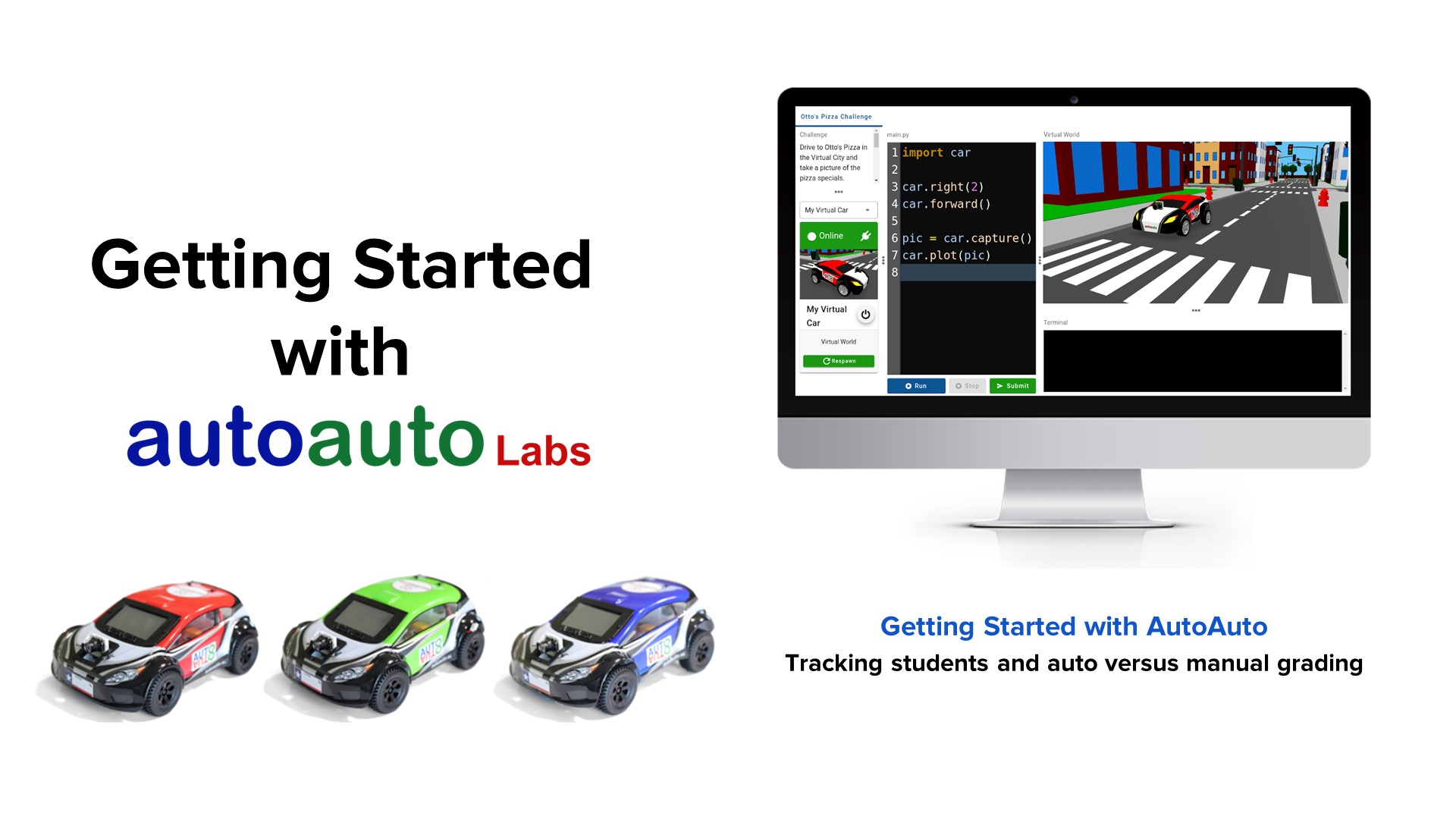
In this video, you will learn:
- About the teachers portal for tracking students progress,
- The difference between auto versus manual grading, and
- How to visualize what a student’s virtual car did when the work was submitted for grading.

In this video, you will learn:
- How to create and monitor contests, and
- The types of contests (e.g. live coding) your students can do.

In this video, you will learn:
- What is the AI Tutor (a tool exclusively for teachers and instructors), and
- How to access and use the AI Tutor.